



The Best Google AI Plus Subscription: Smart Features And Pricing
Google AI Plus subscription looks like a bargain on paper. I subscribed in June when Google cut the US price to $4.99 and doubled storage to 400GB. For five months, it felt like the best deal in tech.
Then October arrived. Google quietly announced that Plus subscribers lose access to Gemini Pro models starting November 13. That changes everything.
This guide breaks down what Plus actually gives you now, why the Pro tier exists, how to cancel if you've had enough, and the one deadline every Plus subscriber needs to check before November.
What Google AI Plus Actually Costs in 2026?
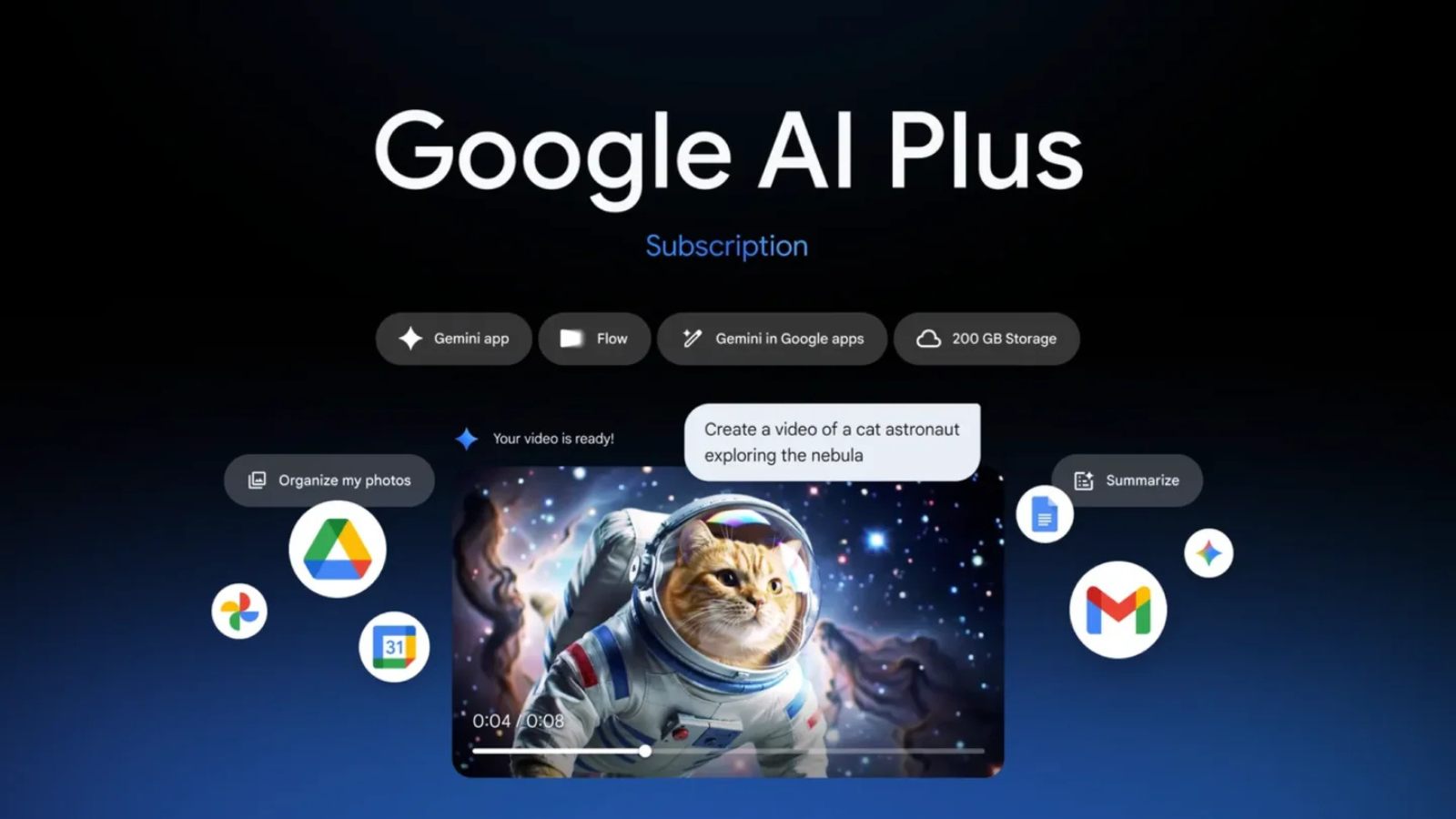
Pricing depends on where you live. That sounds obvious, but the gap matters.
In the US, AI Plus costs $4.99 monthly. Google dropped it from $7.99 in June. Indian subscribers pay ₹399 monthly. They didn't get the price cut because ₹399 already sits below the new US price.
Reead Also: How to Automate Google Chat Spaces Using the Gemini API?
The storage doubled in June for everyone. Plus went from 200GB to 400GB without a price hike. That storage works across Gmail, Drive, and Photos.
Here's what most reviews skip. Two different plans now share the "AI Plus" name. The $4.99 plan gives you 400GB. The old Premium 2TB plan got relabeled as AI Plus too, and it costs $9.99. Check your invoice before comparing prices. The storage number tells you which plan you actually have.
The Pro Model Removal: What Changes on November 13?
This is the story that matters right now. Google emailed Plus subscribers in October. Starting November 13, Pro models disappear from the Gemini app and AI Mode in Search. The cutoff was originally October 9.
Google pushed it back five weeks. No public announcement. Just emails to subscribers. What stays? Flash and Flash-Lite models. Those handle most everyday tasks fine. Quick questions. Summaries. Basic drafting.
What goes? The ability to manually select Gemini Pro. That's the model you pick when you need deeper reasoning, complex analysis, or harder creative work.
One Reddit subscriber shared the email. Google's support page confirms the restriction but doesn't list a universal deadline. Check your own inbox for your specific cutoff date.
If you want Pro selection back, Google AI Pro costs $19.99 monthly in the US. That's a $15 jump. In India, AI Pro runs ₹1,950 monthly. The Pro plan also gives you 5TB storage instead of 400GB, plus four times the usage limits of the free tier.
Google AI Pro Subscription: Who Actually Needs It?

I upgraded to Pro after the Plus announcement. Not because I wanted to. Because I use Gemini Pro for research synthesis and long-form drafting. Flash handles short tasks. Pro handles the messy, multi-layered work.
You Must Also Like: Google Plus Unblocked Games: Play Free Online 2026
Here's my honest split.
Stay on Plus if: You use Gemini for quick questions, email drafting, photo storage, and occasional Deep Research. Flash models cover 80% of casual use. The 400GB storage alone justifies $5 for heavy Google Photos users.
Upgrade to Pro if: You rely on Pro model selection daily. You need 5TB storage for video projects or large photo libraries. You want YouTube Premium Lite, which Pro bundles at no extra cost. You use Flow credits heavily. Pro gives 1,000 monthly credits versus Plus's 200.
Skip both if: You only need storage. Google One's standalone 2TB plan costs ₹650 monthly in India. You don't get AI features, but you save money if AI isn't your priority.
The Pro plan also includes Google Home Premium and Google Health Premium in supported countries. Those matter if you run a smart home or wear a Pixel Watch.
How to Cancel Google AI Plus Subscription (Step by Step)?
I canceled my Plus subscription before upgrading to Pro. The process took ninety seconds. Google doesn't hide it, but it doesn't advertise it either.
On the web:
-
Go to gemini.google.com
-
Click your profile icon
-
Select "Manage subscription"
-
This opens Google One settings
-
Click "Cancel membership"
-
Confirm
On Android:
-
Open the Gemini app
-
Tap your profile
-
Go to Settings and help
-
Tap Manage subscription
-
Select Cancel membership
Important: Canceling doesn't refund your current billing period. You keep Plus benefits until the cycle ends. Then you drop to the free 15GB storage tier.
If you signed up through the Apple App Store, Google can't cancel it for you. You must cancel through iOS Settings > Subscriptions.
The Storage Trap Nobody Mentions
Canceling sounds simple. But check your storage usage first.
If you're using more than 15GB across Gmail, Drive, and Photos, canceling Plus puts you over the free limit. You can't upload new files. You can't back up photos. Incoming Gmail bounces back to senders.
Google won't delete your files immediately. But if you stay over quota for two years, Google may delete content across Gmail, Drive, and Photos.
My advice: download your Google Photos archive before canceling if you're anywhere near the 400GB limit. Trim your Drive. Delete old Gmail attachments. Get under 15GB first. Then cancel.
What Plus Actually Delivers Beyond Storage?
The storage gets headlines. The AI features matter more for daily use.
Gemini usage limits: Plus gives double the free tier's limits. That sounds generous until you hit the ceiling during a heavy research day. I burned through my Plus limits twice in five months. Pro users get four times the free limits.
Context window: Plus includes a 128,000-token window. You can upload long PDFs, code blocks, or articles for analysis. I used this for contract review. It worked well. Pro doesn't increase this window. It just gives you more monthly usage before throttling.
NotebookLM and Gmail integrations: Plus gets expanded limits in NotebookLM and AI Inbox in Gmail. These are useful if you already live inside Google's ecosystem. If you don't, they won't convince you to switch.
Family sharing: Plus supports up to five family members. That's real value. Five people sharing 400GB and AI features for $5 monthly undercuts almost any competing bundle.
The Final Thoughts
Google AI Plus was a steal in June. It's a compromised product in October. The storage upgrade made it worthwhile for Google Photos users. The Pro model removal makes it frustrating for anyone doing serious AI work.
If you subscribe today, know what you're getting. A cheap storage plan with decent Flash-model AI access. Not a gateway to Google's best models anymore.
Check your email for the November 13 cutoff. Test Flash on your typical tasks before the deadline. If Flash handles your work, keep Plus and save the $15 monthly difference. If you need Pro, upgrade before Google removes the option and forces your hand.
And if you cancel, get your storage under 15GB first. That's the step everyone forgets. Don't let a subscription change lock you out of your own photos.