


Google Keep Web Text Formatting Not Working? Fix It
If you rely on Google Keep for notes and suddenly text formatting options have vanished or stopped working on the web version, you are not alone. I have spent the last week testing this issue, and the answer is simpler than you might think, but it comes with a catch.
Google finally started rolling out rich text formatting for Keep on the web in May 2025 . This includes bold, italics, underline, and header options. The formatting tools appear as a new underlined A button in the bottom-left corner of the note editor . You also get H1 and H2 heading options .
Here is the problem. The rollout is phased, so you might not see the feature immediately even if your colleague does . If the formatting controls are not appearing, there is no special setting to toggle. You are simply waiting for Google to activate it on your account .
The iOS Issue: Why Formatting Breaks on Your iPhone?
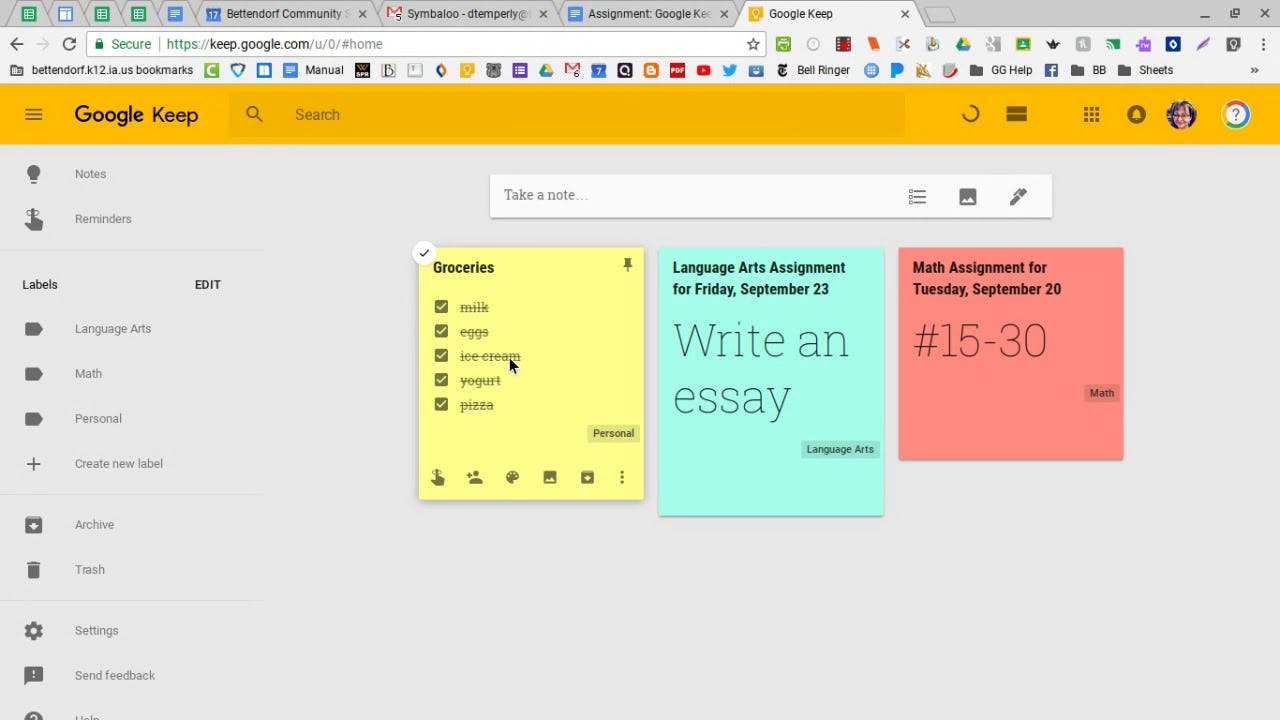
This is where things get frustrating. Text formatting is only available on desktop web and Android devices . If you open a formatted note on an iPhone, you will not see any formatting . The text remains, but bold, italics, and headings are stripped away .
Read Also: Breaking: Google Keep Adds Voice-Based Prompting for Hands-Free Notes
The formatting also works on the Wear OS app. But iOS and web support have lagged behind Android for over 18 months . This is not a bug you can fix yourself. It is a platform limitation that Google has not addressed.
What to Do When Google Keep Web Text Formatting Stops Working?
You face a few limitations:
The formatting is not available on iOS at all. If you open a note with formatting on an iPhone, you will not see it . The solution is to use Google Keep on your computer to view and apply formatting .
The web rollout is phased. If you do not see the formatting button, you are not the only one. Check back in a few days, but there is nothing you can do to force it.
Sync between platforms is inconsistent. Any formatting you apply on the Android app is not reflected in the iOS app or the desktop site . It remains saved in the note but disappears when viewed on other platforms .
Google Keep's Formatting Is Still Half-Baked
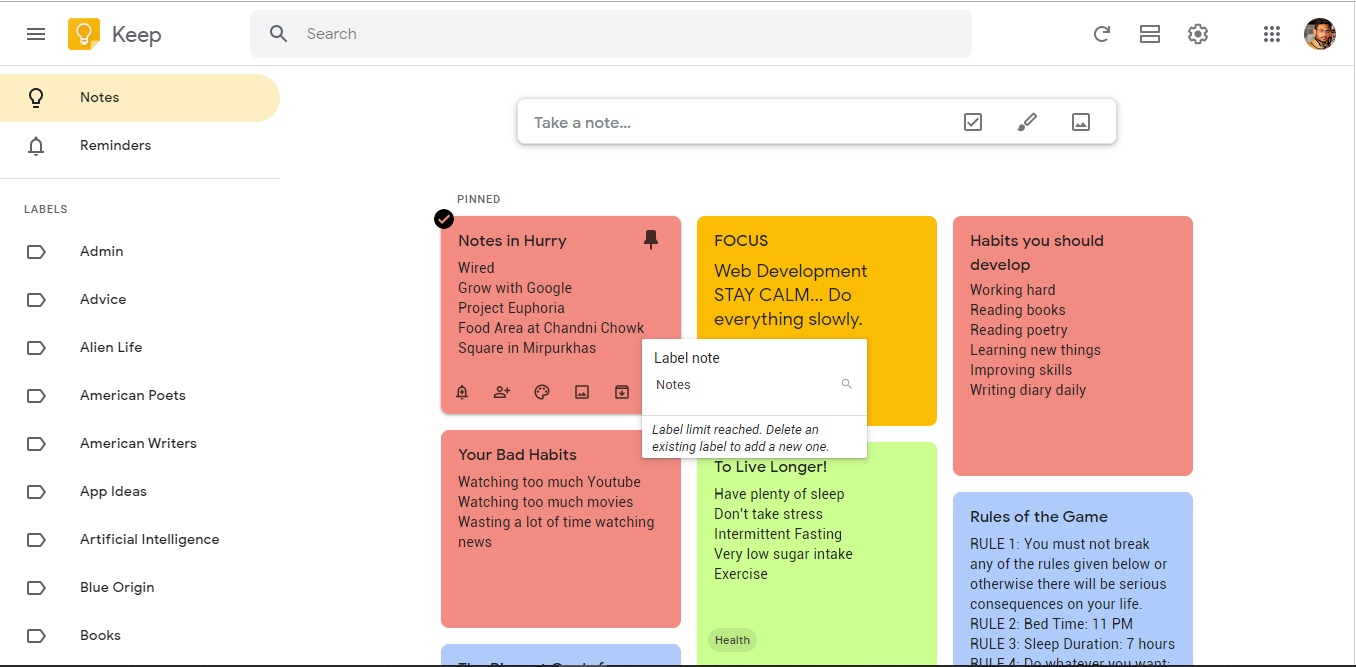
The formatting feature has been available on Android since October 2023 . Adding it to the web has taken over a year and a half . For a feature as basic as bold text that Microsoft Word has been doing since the 1980s, this is a poor experience .
You Must Also Like: How to Sync Samsung Notes to Google Keep?
The formatting works perfectly when you can use it. But if you switch between an Android phone and an iPhone or use the web app frequently, you will find that your formatting is invisible half the time. This is not a solution. It is a workaround at best.
Who Should Use Google Keep Formatting?
This formatting works best for people who use Google Keep exclusively on Android and desktop web. If you use an iPhone, skip it entirely. Your formatted notes will not display properly. If you need formatting across all devices, you are better off using a different note-taking app.
The Final Thoughts
Google Keep web text formatting is finally rolling out, but it is not fully functional. The web version should eventually support it, but iOS remains a gap. If you are on iOS, you will not be able to format text or view formatting at all.
The fix is to use Keep on a computer or Android device. If that does not work, you are waiting for Google to complete the phased rollout. This is a known limitation, not something you can troubleshoot away.
FAQ's- About Google Keep Bold Text iPhone
Why can't I format text in Google Keep on my iPhone?
Text formatting is not supported on the Google Keep iOS app . If you open a note with formatting on an iPhone, you will not see any formatting . This is a platform limitation, not a bug you can fix.
Why is Google Keep web text formatting not working?
The formatting feature is rolling out in phases . If you do not see the formatting button, it is not active on your account yet. There is no setting to toggle. You are simply waiting for Google to enable it.
Does Google Keep formatting sync across Android and iOS?
No. Formatting applied on Android does not appear on iOS or the web version . The text remains, but bold, italics, and headings are stripped away when viewed outside the Android app.
How do I format text in Google Keep on the web?
When the formatting feature is active on your account, you will see an underlined A button in the bottom-left corner of the note editor. Tap it to access bold, italics, underline, H1, and H2 options .
When will Google Keep formatting work on iOS?
Google has not announced a timeline for iOS support . The feature has been available on Android since October 2023 and is only now rolling out to the web .